JD Wild App Download for Android: APK Install Guide (2024)
JD Wild App Download for Android: APK Install Guide (2024)
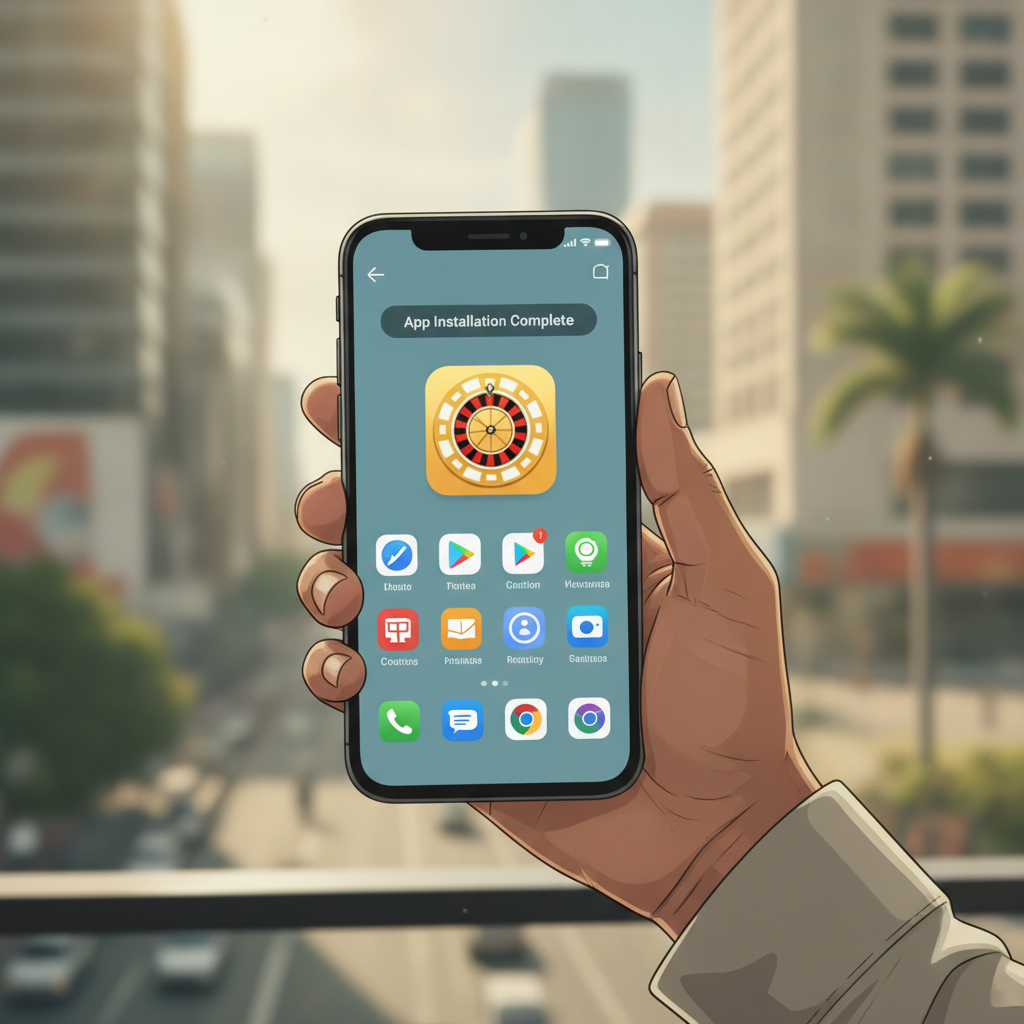
JD Wild offers its casino and sportsbook through an Android app that you install via APK file. The app is not available on Google Play, so you download it directly from the operator's website and install it manually. This guide walks through where to find the official APK, how to enable installation from unknown sources, and what to do if you see an error during setup.
This is an independent guide for Filipino players aged 21 and over. Remember to gamble responsibly and only wager what you can afford to lose.
Where to Download the Official JD Wild APK File Safely
The only safe source for the JD Wild APK is the official JD Wild website. Open your Android browser—Chrome, Firefox, or Samsung Internet—and go to the JD Wild homepage. Look for a button or banner marked "Download App," "Mobile App," or "Android APK." Tap it to start the download.
Never download APK files from third-party sites, file-sharing forums, or app stores that claim to host the JD Wild app. These unofficial mirrors can bundle malware or outdated builds that fail to connect to your account or, worse, compromise your login details and payment information.
If you already have a JD Wild account, you can also find the download link by logging in on mobile and checking the account menu or promotions page. Some operators send an SMS or email with the APK link after you complete registration, but the website remains the most reliable source.
Once you tap the download button, your browser will show a warning that APK files can harm your device. Tap "OK" or "Download anyway." The file—usually named something like JDWild.apk or JDWild_v1.2.apk—will save to your Downloads folder. You can check progress by swiping down the notification shade.
Step-by-Step: Enabling 'Unknown Sources' and Installing the APK on Android
Because the JD Wild app does not come from Google Play, Android blocks installation by default. You need to give your browser or file manager permission to install apps from unknown sources. The exact steps vary slightly depending on your Android version.
Android 8.0 (Oreo) and Newer
- After the APK finishes downloading, tap "Open" in the notification or navigate to your Downloads folder using a file manager.
- Tap the APK file. Android will show a prompt: "For your security, your phone is not allowed to install unknown apps from this source."
- Tap Settings. You will land on a screen titled "Install unknown apps" with a list of apps.
- Find the app you are using to open the APK—usually Chrome, Firefox, or Files by Google—and toggle Allow from this source to ON.
- Tap the back button to return, then tap the APK file again.
- A new screen will ask "Do you want to install this application?" Tap Install.
- Wait 5–15 seconds. When you see "App installed," tap Open to launch JD Wild, or tap Done to close the installer.
Android 7.1 (Nougat) and Older
- Before you tap the APK, go to Settings > Security (or Settings > Lock screen and security on Samsung devices).
- Scroll down and toggle Unknown sources to ON. A warning will appear; tap OK.
- Open your Downloads folder, tap the JD Wild APK file, and tap Install when prompted.
- Once installation completes, you can return to Settings > Security and turn off Unknown sources for added security. You can re-enable it whenever you need to update the app.
After installation, you will see the JD Wild icon on your home screen or app drawer. Tap it, log in with your existing username and password, and you are ready to play slots, bet on PBA or NBA games, or join a live dealer table.
App Size, Android Version Requirements, and Data Usage
The JD Wild APK file is typically 80–120 MB in size, depending on the version. Make sure you have at least 200 MB of free storage on your device before downloading, because Android needs extra space to unpack and install the app.
Minimum Android version: JD Wild usually requires Android 5.0 (Lollipop) or higher. If your phone runs Android 4.4 or older, the app may not install, or it may crash on launch. Check your Android version by going to Settings > About phone > Android version.
Data usage during installation: Downloading the APK over mobile data will consume 80–120 MB. If you are on a limited data plan, connect to Wi-Fi before you start. Installing the APK does not use mobile data, but the first time you open the app it will download game assets, thumbnails, and live odds, which can add another 20–50 MB.
Data usage during gameplay: Slots and casino games stream graphics and animations, using roughly 10–30 MB per hour. Live dealer tables consume more—around 50–100 MB per hour—because of the video feed. Sports betting uses less, typically 5–10 MB per hour unless you watch live streams. Enable data-saver mode in your phone's settings if you are playing on mobile data away from Wi-Fi.
Troubleshooting 'App Not Installed' and 'Parse Error' Messages
Even when you follow every step, Android sometimes refuses to install the APK. Here are the most common errors and how to fix them.
"App not installed"
This generic message appears for several reasons:
- Conflicting package name: If you previously installed an older version of JD Wild or a beta build, Android may reject the new APK. Go to Settings > Apps, find JD Wild in the list, tap it, and tap Uninstall. Then try installing the fresh APK again.
- Corrupted download: If your internet connection dropped mid-download, the APK file may be incomplete. Delete the APK from your Downloads folder and download it again, preferably over Wi-Fi.
- Insufficient storage: Free up space by deleting unused apps, clearing your browser cache (Settings > Apps > Chrome > Storage > Clear cache), or moving photos to Google Photos.
- SD card issues: If you set your SD card as default storage, try moving the APK to internal storage before installing.
"Parse error" or "There was a problem parsing the package"
A parse error means Android cannot read the APK file. Causes include:
- Incompatible Android version: If your phone runs Android 4.x or an unsupported build, the APK will not parse. Check the JD Wild website for minimum version requirements, or consider upgrading your phone.
- Corrupted or tampered file: Re-download the APK from the official JD Wild website. Avoid copying APK files from other devices via Bluetooth or USB, because transfers can corrupt the file.
- 32-bit vs. 64-bit mismatch: Some very old devices cannot run apps compiled for 64-bit ARM processors. This is rare; if it happens, contact JD Wild support to ask if a 32-bit build is available.
"App not installed as package appears to be invalid"
This error appears when the APK signature does not match a previously installed version. Uninstall the old app completely—Settings > Apps > JD Wild > Uninstall—then install the new APK.
If none of these fixes work, restart your phone and try again. Clearing the Download Manager cache (Settings > Apps > Show system apps > Download Manager > Storage > Clear cache) can also resolve stubborn install failures.
Updates and Reinstalling the App
JD Wild periodically releases updates to add games, fix bugs, and improve performance. The app does not update automatically through Google Play. Instead, you will see an in-app notification or a banner on the website when a new version is available.
To update, download the latest APK from the JD Wild site and install it over your existing app. You do not need to uninstall first; Android will replace the old version and preserve your login session and settings. If the update fails, uninstall the current version, restart your phone, and install the new APK fresh. You will need to log in again, but your account balance, bet history, and bonus progress remain safe on the JD Wild server.
iOS and Desktop Alternatives
JD Wild does not currently offer a native app for iPhone or iPad. iOS users can add a web-app shortcut by visiting the JD Wild site in Safari, tapping the Share icon, and selecting Add to Home Screen. This creates an icon that opens the mobile site in a full-screen browser window, with most of the same features as the Android app.
Desktop players can access JD Wild through any modern browser—Chrome, Firefox, Edge, or Safari—on Windows, macOS, or Linux. No download is required; simply log in and play.
21+ Only and Responsible Gambling Reminder
JD Wild is intended for players aged 21 and over. Online gambling should be entertainment, not a way to make money. Set a budget before you play, never chase losses, and take breaks if gaming stops being fun. If you feel your gambling is becoming a problem, reach out to a support service or use the responsible gambling tools in your JD Wild account settings.
This guide is provided for informational purposes by an independent site. It does not guarantee app compatibility with every Android device, and it makes no claims about JD Wild's licensing, payout rates, or financial security. Always download software only from official sources, and contact JD Wild customer support if you encounter technical issues beyond the scope of this article.