How to Deposit in JD Wild Using GCash: Fees, Limits and Processing Time
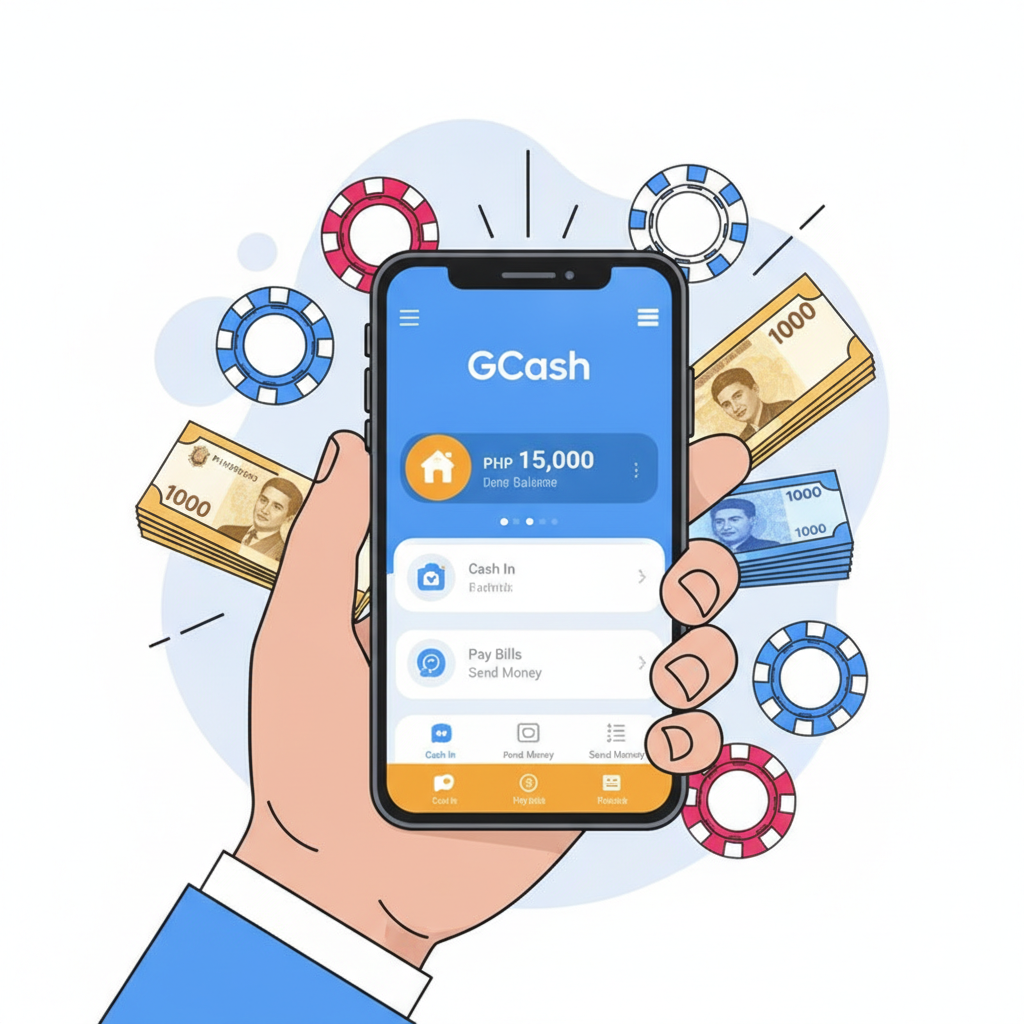
GCash is one of the fastest ways to move pesos into your JD Wild account. Whether you're topping up to place a bet on the PBA or spin a slot, the process is straightforward—but knowing the limits, fees, and timing helps you avoid surprises. This guide walks through exactly how to deposit using GCash, what it costs, and how long you'll wait.
Step-by-Step: Depositing to JD Wild with GCash
JD Wild supports GCash as a direct deposit method through its cashier. Here's the full flow from login to confirmation.
1. Log in to your JD Wild account
Open the JD Wild site or app on your Android phone. Tap the login button and enter your username and password. If you're already logged in, skip to the cashier.
2. Navigate to the Cashier or Deposit section
Look for a "Deposit" or "Cashier" button—usually at the top right of the screen or in the main menu. Tap it to open the deposit page.
3. Select GCash as your payment method
You'll see a list of deposit options: GCash, Maya, bank transfer (InstaPay/PESONet), and sometimes others. Tap GCash.
4. Enter your deposit amount
Type the number of pesos you want to add. The field will show the minimum (typically PHP 100) and maximum allowed per transaction. If you enter an amount outside that range, the system will prompt you to adjust.
5. Confirm the transaction details
Review the amount and payment method. Some screens show an order or reference number at this stage—take a screenshot if you want a record.
6. Tap Submit or Proceed
JD Wild will redirect you to the GCash payment gateway or prompt you to open the GCash app.
7. Authorize the payment in GCash
If you're redirected to a browser page, log in to GCash and confirm the payment with your MPIN. If the GCash app opens automatically, review the merchant name (it may appear as JD Wild or a payment processor), confirm the amount, and tap Pay Now. Enter your MPIN or use Face ID if enabled.
8. Wait for confirmation
After you authorize, GCash will display a success message. The payment gateway will redirect you back to JD Wild, or you can manually return to the app. Check your JD Wild wallet balance—most GCash deposits appear within seconds, though some may take a few minutes.
9. Verify your new balance
Refresh the cashier or wallet page. Your deposited amount should now show in your JD Wild account balance, ready to use for slots, live dealer games, sports betting, or bingo.
Minimum and Maximum Deposit Amounts
JD Wild sets clear limits for GCash deposits to keep transactions manageable for both the platform and typical Filipino players.
Minimum deposit: PHP 100
This is the standard floor for most e-wallet deposits on JD Wild. It matches the budget of players who prefer small, frequent top-ups rather than larger single deposits.
Maximum deposit per transaction: The ceiling varies by account status and payment method, but GCash deposits on JD Wild commonly max out at PHP 50,000 per transaction. Some accounts—especially newly registered or unverified ones—may have lower caps, such as PHP 10,000 or PHP 20,000. If you need to deposit more, you can make multiple transactions, though staying within daily or weekly limits is important.
Daily and monthly limits: JD Wild may impose cumulative caps (for example, PHP 100,000 per day or PHP 500,000 per month), and GCash itself has its own transaction and wallet balance limits. A standard GCash account can hold up to PHP 100,000; fully verified GCash accounts can hold more. If you hit a limit, you'll see an error message during deposit—either from JD Wild or from GCash—and you'll need to wait for the next cycle or verify your account further.
Does JD Wild or GCash Charge Deposit Fees?
JD Wild deposit fees: In most cases, JD Wild does not charge a fee for GCash deposits. The platform wants to encourage cashless funding, so the deposit amount you enter is the amount deducted from your GCash wallet and credited to your JD Wild balance.
GCash fees: As of this writing, GCash does not charge users a fee for sending money to merchants or payment gateways, including online casinos. That means when you pay PHP 500 via GCash to JD Wild, GCash deducts exactly PHP 500—no extra service charge.
Payment-processor fees: Some online casinos route GCash transactions through third-party payment processors, which may occasionally apply a small convenience fee (for example, 2–3 % or a flat PHP 10–20). On JD Wild, this is rare for GCash deposits, but it's worth checking the final confirmation screen before you tap Pay Now. If a fee does appear, it will be itemized clearly.
Bottom line: Most players depositing via GCash on JD Wild pay zero fees. Always double-check the transaction summary—if any charge appears that wasn't disclosed, contact JD Wild support before completing the deposit.
How Long Does It Take for GCash Deposits to Reflect?
One of the biggest advantages of GCash is speed.
Typical processing time: Instant to 5 minutes
The majority of GCash deposits credit your JD Wild wallet within seconds. You authorize the payment in the GCash app, see the success message, and when you return to JD Wild and refresh your balance, the pesos are already there.
Occasional delays: In a small number of cases—especially during peak hours (evenings and weekends when many players are active) or if GCash or JD Wild's payment gateway is experiencing heavy load—the deposit may take up to 5 to 10 minutes. If you don't see the funds after five minutes, try these steps:
- Refresh your JD Wild wallet page or log out and log back in.
- Check your GCash transaction history to confirm the payment was completed and the pesos were deducted.
- Look for a reference or transaction number in your GCash receipt; you'll need this if you contact support.
- Wait 15–30 minutes. Sometimes back-end reconciliation takes a bit longer, especially if you deposited during a system update or maintenance window.
What if the deposit still doesn't appear? If your GCash balance was deducted but your JD Wild wallet hasn't updated after 30 minutes, reach out to JD Wild customer support. Provide your GCash reference number, the exact amount, and the time of the transaction. The support team can trace the payment and manually credit your account if necessary. In the author's experience, most "missing" deposits are resolved within a few hours once support investigates.
Pro tip: Take a screenshot of the GCash confirmation screen immediately after you pay. This proof of payment speeds up resolution if any issue arises.
Why GCash Is Popular for JD Wild Deposits
GCash has become the go-to e-wallet for Filipino online-casino players for several practical reasons:
- No fees: As explained, both JD Wild and GCash typically charge nothing for deposits.
- Instant or near-instant: Most transactions complete in seconds, so you can start playing right away.
- Widely used: GCash is already installed on millions of Filipino phones, so there's no need to sign up for a new service.
- Mobile-first: The entire flow—from opening JD Wild on your Android phone to authorizing payment in GCash—happens on one device, with minimal typing or switching between apps.
- Cash-in options everywhere: You can load your GCash wallet at 7-Eleven, partner banks, remittance centers, or via online bank transfer, making it easy to fund even if you don't have a traditional bank account.
Because JD Wild's player base is heavily mobile and concentrated in Metro Manila and the provinces, GCash aligns perfectly with how Filipinos already move money day-to-day.
Troubleshooting Common GCash Deposit Issues
"Transaction failed" or "Payment declined"
Check your GCash balance first—make sure you have enough pesos to cover the deposit. Also verify that your GCash account is active and not locked or flagged. If the problem persists, try a smaller amount (closer to the PHP 100 minimum) to see if a transaction-size issue is the cause.
Deposit deducted from GCash but not showing in JD Wild
Wait 30 minutes, then contact JD Wild support with your GCash reference number. This usually indicates a delay in the payment gateway's notification to JD Wild, and support can credit your account manually once they confirm the transaction.
"Maximum limit reached"
You've hit either a per-transaction cap, a daily cap, or a GCash wallet limit. Wait until the next day or cycle, or verify your GCash account to raise limits. On the JD Wild side, check if your account needs additional verification (ID upload, address proof) to unlock higher deposit caps.
Redirect loop or page not loading
Clear your browser cache or try the deposit from the JD Wild app instead of the mobile web. Switching from Wi-Fi to mobile data (or vice versa) can also resolve network-related hiccups.
21+ Only and Responsible Gambling Reminder
JD Wild is strictly for players aged 21 and older. Online gambling is a form of entertainment that carries financial risk. Only deposit money you can afford to lose, set a budget before you play, and take breaks if gaming stops being fun. If you feel gambling is becoming a problem, reach out to support services or consider self-exclusion options. Play responsibly.
Summary: Depositing in JD Wild using GCash is fast, free, and simple. The minimum is PHP 100, the process takes under a minute, and your funds typically appear instantly. By understanding the limits, fees (or lack thereof), and timing, you can top up your account with confidence and get straight to the games, sports bets, or live tables. Keep your GCash receipts handy, stay within your budget, and enjoy the convenience of mobile-first casino banking in the Philippines.